Vacation overview

How to create a clear vacation overview for your whole team

Make vacation planning easier with one shared view of requests, approvals and team coverage.

4 min read

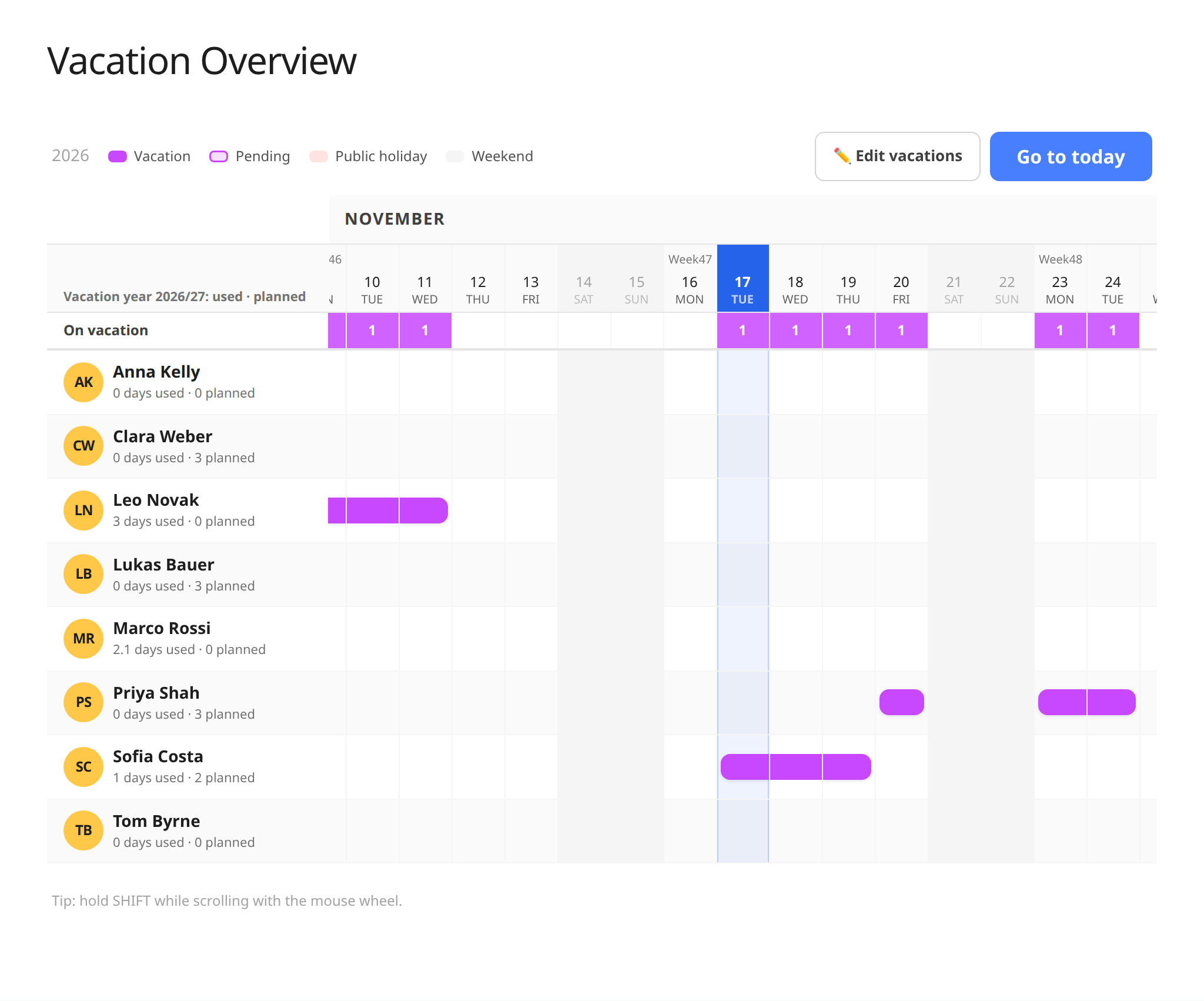
Vacation overview showing employee leave across a shared calendar

When vacation requests live in email, chat and personal calendars, it is hard to see who will be away at the same time. A shared overview makes it easier to plan coverage, spot overlaps and give employees a clear answer.

Set up a simple vacation process

  • Decide where employees submit requests and who approves them.
  • Make it clear whether leave is requested, pending or approved.
  • Check staffing and critical work before approving overlapping requests.
  • Update the overview when plans change and notify the people affected.

A calendar view complements, rather than replaces, your vacation policy and individual leave balances. Make sure decisions follow your agreements and applicable rules, and keep the overview as the current plan instead of maintaining another separate list.

Bring everyday people tasks together

Keep employee details, time tracking, vacation and key documents in one straightforward system.

Try for free

See the HR app with vacation and absence

Related guides

All articles