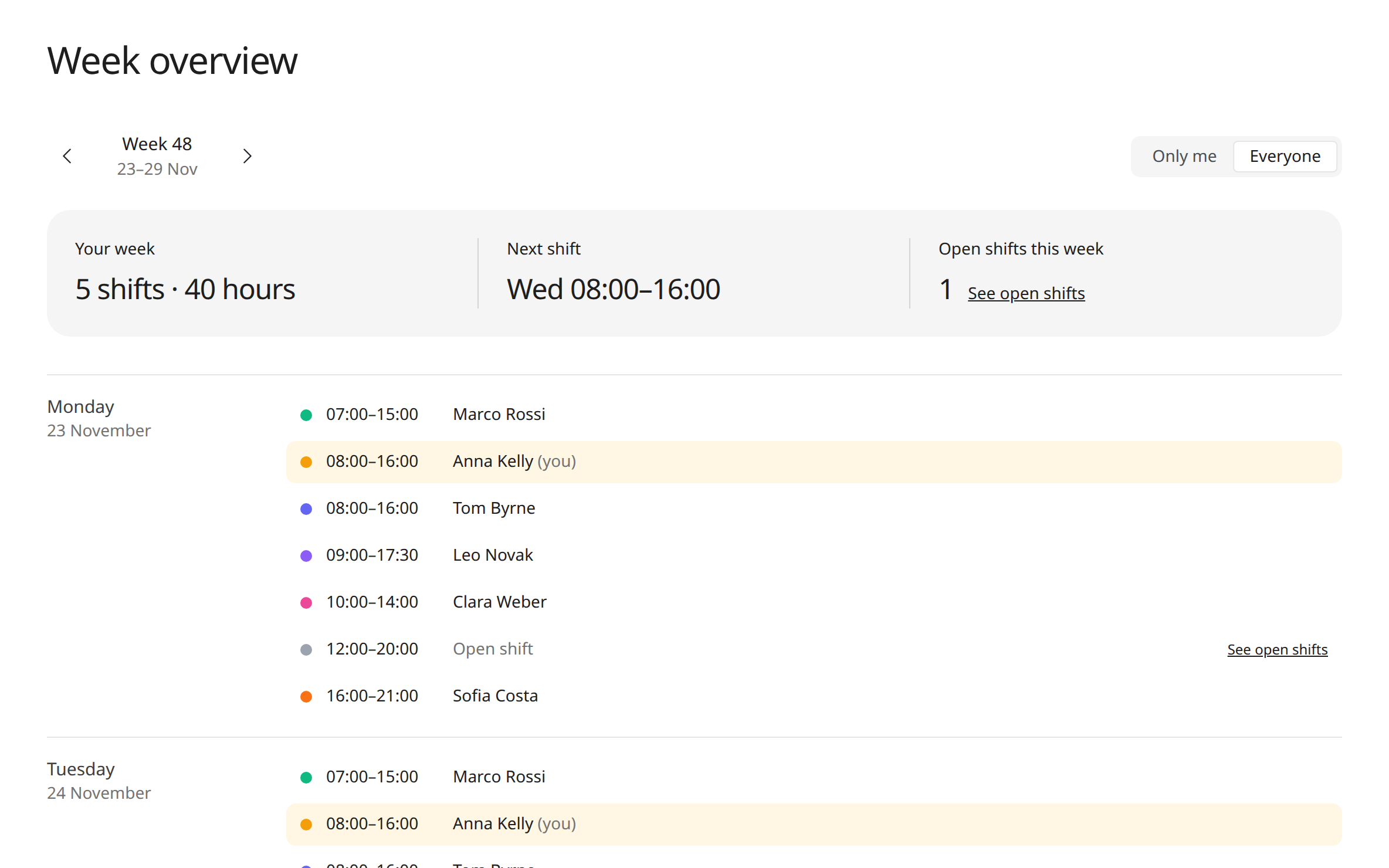
Share the work schedule with a link: printing and sharing for staff without a login
Not every employee logs in to a system. Here is how everyone gets the same, up-to-date schedule – on paper, on a screen or through a link in the group chat.
4 min read
Many small businesses have employees who never log in: students on a few hours, temps, new starters or a team that just looks at the board in the back room. So the schedule ends up as a photo in the group chat, and that photo is out of date as soon as a shift moves.
Paper still has its place
A printed schedule on the notice board works for many teams. Everyone can see it, and it needs no phone. Print it from the system you plan in, so it looks the same every week, and print it again when the plan changes. One week per page is easiest to read from a distance.
A link that always shows the current plan
A share link is an address for the schedule that anyone with the link can open in their browser – without logging in and without downloading an app. Because the link shows the schedule itself and not a copy, everyone sees the same version.
Show it on a screen in the staff room or by the entrance.
Pin it in your group chat, so nobody has to hunt for the latest photo.
Send it to employees who don’t have a login.
Share only what is needed
A shared schedule needs to show who works when. It doesn’t need contact details, notes or who has asked for time off. And only share the finished plan. A draft that is seen too early causes more confusion than no plan at all.
Rolling or a fixed period
For a screen or a post in the group chat, a link that always starts at the current week and moves on by itself every Monday works best. Then nobody has to remember to share a new link. For a set period, such as the summer holidays, a link with a fixed period fits better.
Close the links you don’t use
Anyone with the link can see the schedule. If an employee has left, or the link has ended up in the wrong place, close it and make a new one. Only share the link with people who may see the schedule.
Do you have to record your employees’ working time? In the EU, generally yes. Here is what the 2019 EU Court of Justice judgment requires, how it links to the Working Time Directive, who may be exempt and how to choose a system.